
ACEMAGIC M1A PRO+ vs ASUS NUC 15 Pro+
Check current prices
As an Amazon Associate I earn from qualifying purchases.
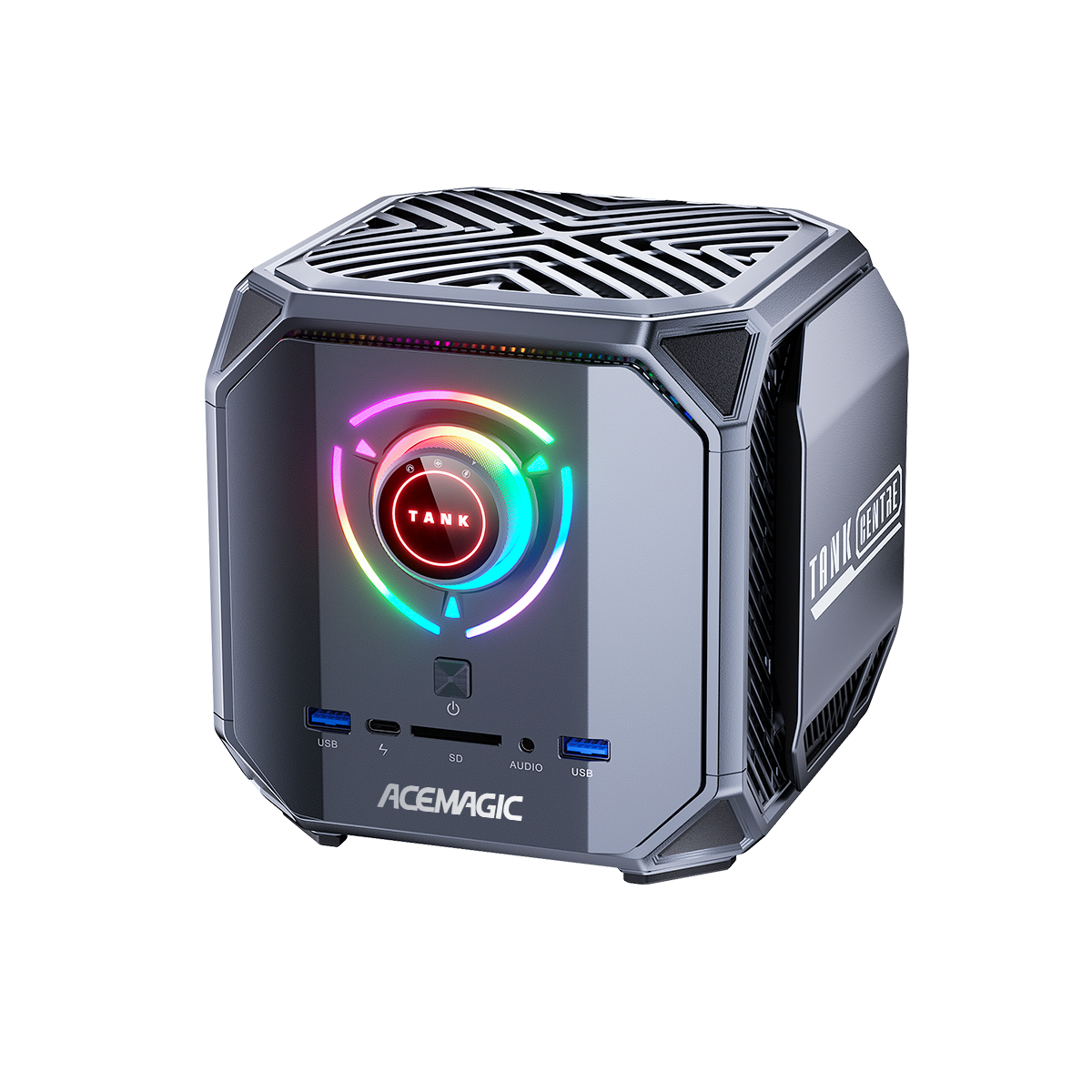
ACEMAGIC M1A PRO+
Ryzen AI Max+ 395 / 128GB LPDDR5X-8000 / 2TB SSD / Windows 11 Pro
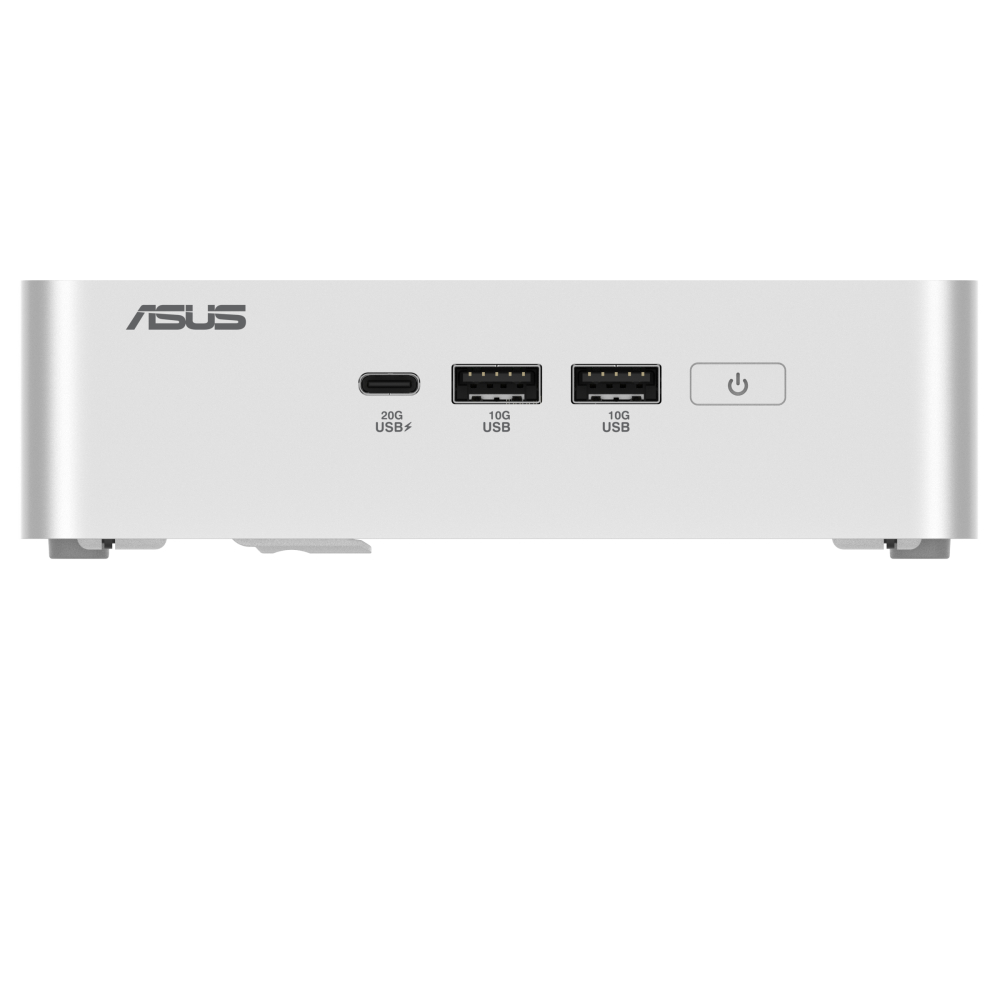
ASUS NUC 15 Pro+
Core Ultra 9 285H / 32GB DDR5 / 1TB SSD / Windows 11 Home / US SKU
Amazon results may include other models. Verify the processor, memory, storage, and seller before buying.
| Memory | ||
|---|---|---|
| Storage |
1Is it fast for normal work?
ACEMAGIC M1A PRO+
Not available
ASUS NUC 15 Pro+
Not available
2Can it handle sustained work?
ACEMAGIC M1A PRO+
-
Peak boost was brief in the demonstrated workload
ShortCircuit shows clocks falling after the initial boost during its F1 24 workload in Performance mode. The reported behavior applies to that test and configuration; it is not a MiniPCBench sustained-performance score.
ShortCircuit · 8:57
ASUS NUC 15 Pro+
-
Peak boost was brief in the demonstrated workload Not available
3Can it game?
ACEMAGIC M1A PRO+
Not available
ASUS NUC 15 Pro+
Not available
4Is it loud or hot?
ACEMAGIC M1A PRO+
-
Dial reduced fan noise during use
ServeTheHome demonstrates switching to the quiet power mode while the machine is running and reports an immediate reduction in fan noise. Its power discussion includes an attached monitor and is not a PC-only measurement.
ServeTheHome · 13:15 -
Fan audible at a game title screen
ShortCircuit reports noticeable airflow noise at a game title screen, although the sound was less whiny than the reviewer expected. This is an observation of its review unit, not a standardized acoustic measurement.
ShortCircuit · 7:45 -
A second reviewer found most power modes quiet
Duvenox describes Eco and Gaming modes as barely audible and the fan as slightly audible at peak load in Turbo mode on his 128GB/2TB unit. This differs from ShortCircuit's impression. Their room conditions, firmware and workloads were not controlled for comparison.
Duvenox · 23:23 -
Performance mode was loud in the review Not available
ASUS NUC 15 Pro+
-
Dial reduced fan noise during use Not available
-
Fan audible at a game title screen Not available
-
A second reviewer found most power modes quiet Not available
-
Performance mode was loud in the review
Robtech found Balanced-mode fan noise tolerable but Performance mode too loud for his preference. His loan unit used the 285H and 32GB memory; this is an attributed listening impression, not a standardized noise measurement.
Robtech · 11:19
5How much electricity does it use?
ACEMAGIC M1A PRO+
Not available
ASUS NUC 15 Pro+
Not available
6Can I upgrade and connect everything?
ACEMAGIC M1A PRO+
-
Memory is upgradeable No
-
Storage is upgradeable Yes
-
USB-C monitor did not power the review unit Not available
ASUS NUC 15 Pro+
-
Memory is upgradeable Yes
-
Storage is upgradeable Yes
-
USB-C monitor did not power the review unit
Robtech could not start the mini PC using his USB-C monitor and used the supplied barrel-jack adapter. The monitor model and power budget were not specified.
Robtech · 1:27
7Is it good value?
ACEMAGIC M1A PRO+
Not available
ASUS NUC 15 Pro+
Not available
8Will it be dependable?
ACEMAGIC M1A PRO+
-
Early review unit had an SSD-slot stability problem
ServeTheHome reports crashes under heavy GPU load on its preproduction unit with the SSD in the default slot. Moving the SSD restored stability. ACEMAGIC told the reviewer that production boards had a fix; that fix was not independently verified in the review.
ServeTheHome · 6:24 -
Ubuntu worked in a basic compatibility check Not available
ASUS NUC 15 Pro+
-
Early review unit had an SSD-slot stability problem Not available
-
Ubuntu worked in a basic compatibility check
Robtech said Ubuntu worked on his loan sample. He did not specify the distribution version or kernel, so this does not establish compatibility for every Linux installation.
Robtech · 3:08
References
-
ACEMAGIC. M1A PRO+ Ryzen AI Max+ 395 specifications. Product page. Accessed .
Configuration: Ryzen AI Max+ 395 / 128GB LPDDR5X-8000 / 2TB SSD / Windows 11 Pro
Disclosure: Manufacturer specifications; no MiniPCBench measurements.
-
ServeTheHome. TURN for FAST on this 128GB AMD AI mini PC. Video review. . Accessed .
Configuration: Ryzen AI Max+ 395, 128GB memory, 2TB ZHITAI SSD, MT7925 wireless and Windows 11 Pro. Early preproduction unit; firmware and Windows build unconfirmed.
Disclosure: Affiliate links disclosed. Review identifies a preproduction unit; acquisition terms are not clear.
-
ShortCircuit. Only buy this when on sale - AceMagic M1A Pro+. Video review. . Accessed .
Configuration: Ryzen AI Max+ 395, 128GB memory with 32GB assigned to graphics. Performance mode used for the clock test. SSD capacity, Windows edition and firmware unconfirmed.
Disclosure: Sponsored segment for War Thunder, channel partner Secretlab and affiliate links disclosed. Linus is an investor in Framework, a comparison brand in the video. Unit acquisition terms unconfirmed.
-
Duvenox. ¿Merece la pena el nuevo Ryzen AI MAX+ 395? ACEMAGIC M1A PRO+. Video review. . Accessed .
Configuration: Ryzen AI Max+ 395, 128GB memory and 2TB SSD. Windows 11 shown; edition, build and firmware unconfirmed. Noise comments cover several dial modes.
Disclosure: Manufacturer links, discount code and shopping links disclosed. Reviewer discusses the cost of obtaining the unit; exact commercial arrangement unconfirmed.
-
ASUS. NUC 15 Pro+ specifications. Product page. Accessed .
Configuration: NUC15CRS family, Core Ultra 9 285H option; exact US retail configuration linked in manufacturer notes.
Disclosure: Manufacturer specifications; no MiniPCBench measurements.
-
Robtech. The FASTEST Intel Mini PC Is Here! ASUS NUC 15 Pro Plus Review. Video review. . Accessed .
Configuration: Core Ultra 9 285H / 32GB DDR5-6400 CSO-DIMM; DDR5-5600 also tested / Micron SSD, capacity unconfirmed / Windows 11 Pro; Ubuntu version unconfirmed. Balanced and Performance modes; firmware version unconfirmed.
Disclosure: Loan review sample and affiliate links disclosed.
Value for money
No value comparison is available. It requires eligible test scores and at least four current price observations in seven days.
Specification differences
Differences supported by the listed manufacturer specifications
Higher listed specifications for ACEMAGIC M1A PRO+
- Supports 32 GB more memory
- Provides 3 storage slots versus 2
Higher listed specifications for ASUS NUC 15 Pro+
Verified specifications
Manufacturer-sourced specifications and current testing status
Processor
| Specification | M1A PRO+ | NUC 15 Pro+ |
|---|---|---|
| CPU | AMD Ryzen AI Max+ 395 | Intel Core Ultra 9 285H |
| Cores / threads | 16 / 32 | 16 / 16 |
| Processor default TDP | Not disclosed | 65 W |
| Integrated graphics | Radeon 8060S | Intel Arc 140T |
Memory and storage
| Specification | M1A PRO+ | NUC 15 Pro+ |
|---|---|---|
| Memory type | LPDDR5X-8000, fixed | DDR5-6400 |
| Maximum memory | 128 GB | 96 GB |
| Upgradeable memory | No | Yes |
| Storage slots | 3 | 2 |
Connectivity
| Specification | M1A PRO+ | NUC 15 Pro+ |
|---|---|---|
| Ethernet | 2 x 2.5GbE | 1 x 2.5GbE, Intel I226-V |
| Wireless | Wi-Fi 7 and Bluetooth 5.4; installed module unconfirmed | Intel BE201 Wi-Fi 7 and Bluetooth 5.4 |
| USB4 | Yes | Yes |
| Thunderbolt | Not published | Yes |
Size and price
| Specification | M1A PRO+ | NUC 15 Pro+ |
|---|---|---|
| Enclosure volume | Not published | Not published |
| List price | Not published | Not published |
| Product class | Not assigned | Not assigned |