
Framework Desktop DIY Edition vs MINISFORUM M2 Pro
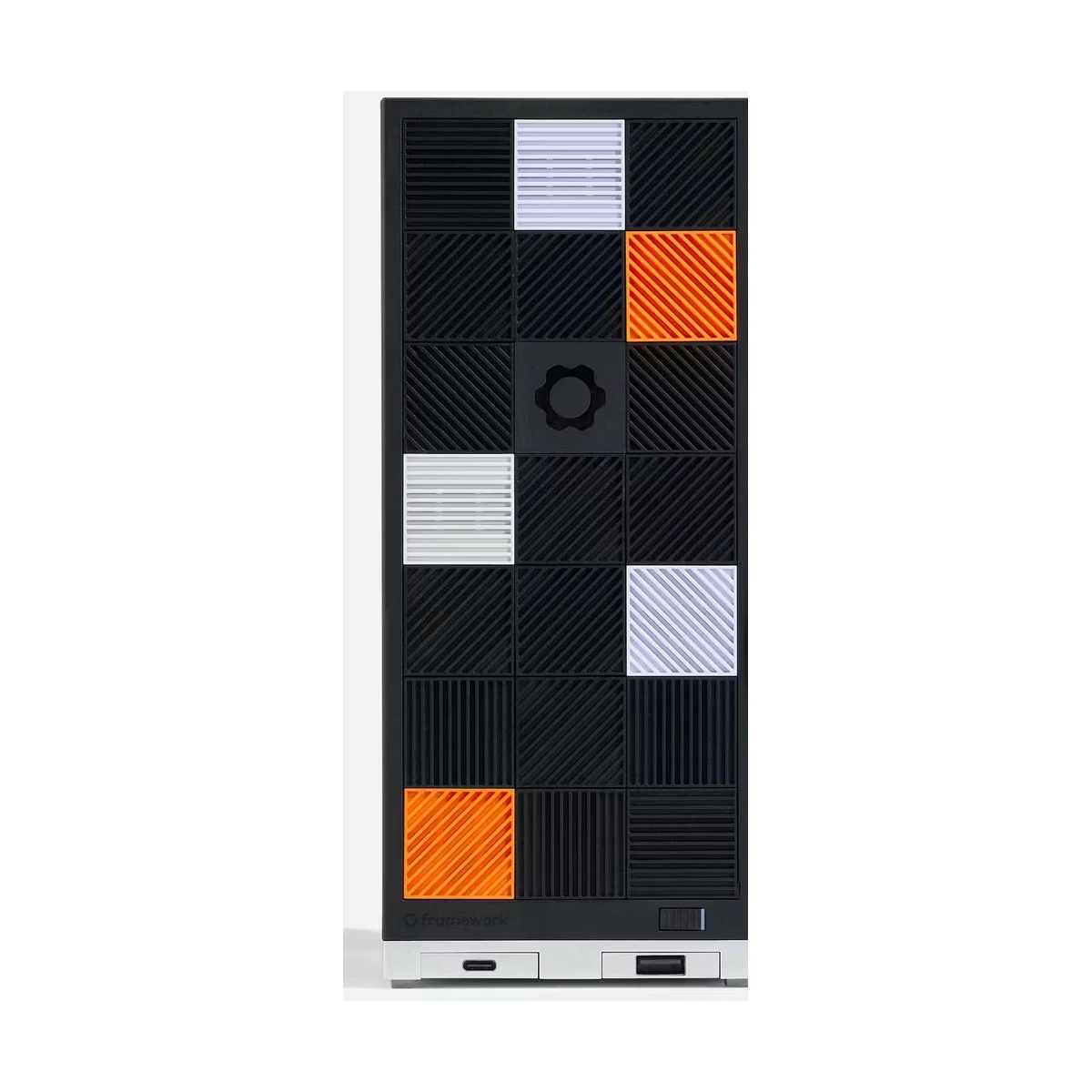
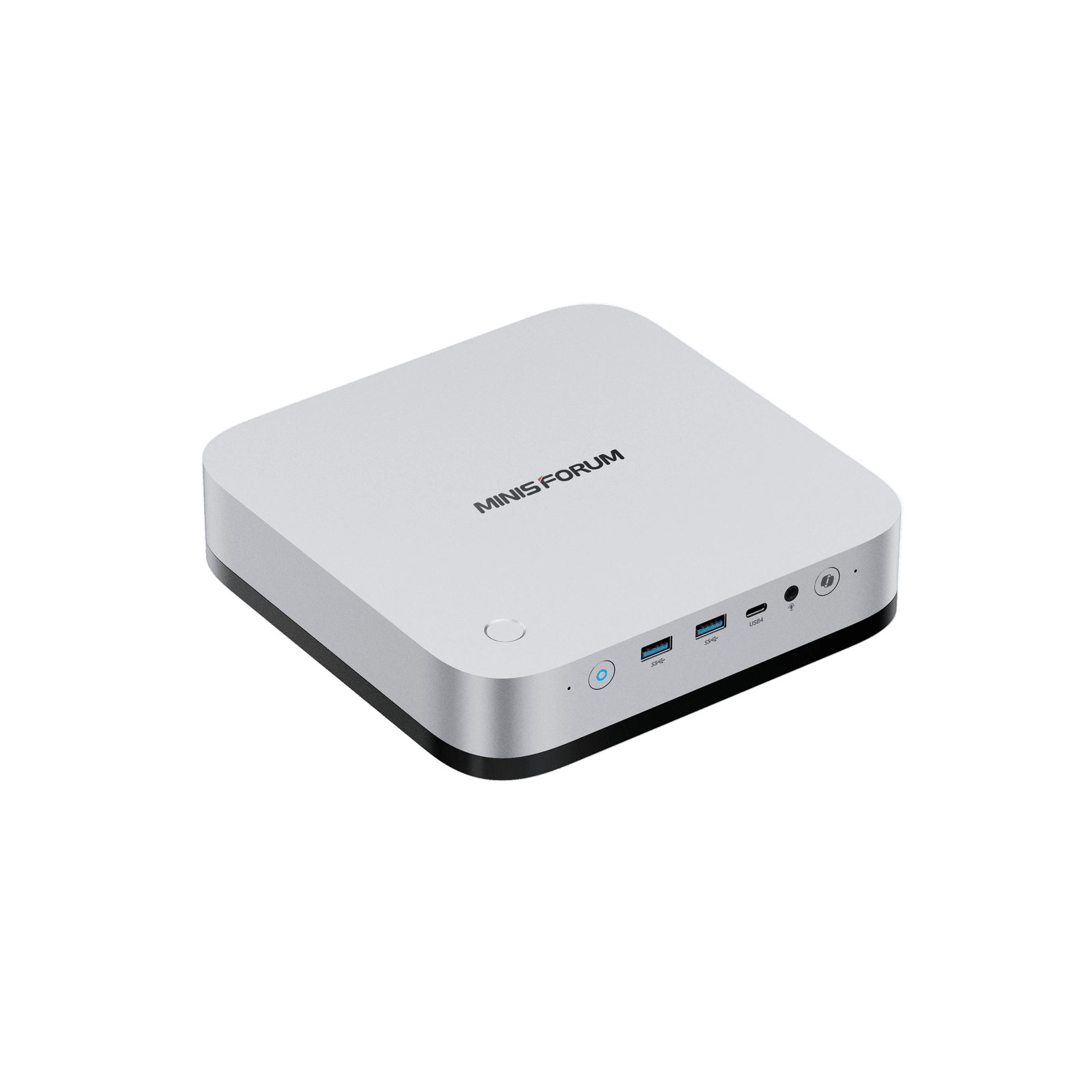
Check current prices
As an Amazon Associate I earn from qualifying purchases.
Framework Desktop DIY Edition
DIY Edition, Ryzen AI Max+ 395, 128GB LPDDR5X, no storage, no operating system
MINISFORUM M2 Pro
Core Ultra X7 358H / 32GB LPDDR5X / 1TB SSD / silver chassis / US power cord; included OS unconfirmed
Amazon results may include other models. Verify the processor, memory, storage, and seller before buying.
| Memory | ||
|---|---|---|
| Storage |
1Is it fast for normal work?
Framework Desktop DIY Edition
-
Geekbench 6 single-core 2876 points
Level1Techs measured 2,876 in Geekbench 6 single-core on Framework's 128GB review unit.
Geekbench 6 single-core · Ryzen AI Max+ 395; 128GB LPDDR5X; reviewer-installed storage and operating system
Level1Techs · 32:26
MINISFORUM M2 Pro
-
Geekbench 6 single-core Not available
2Can it handle sustained work?
Framework Desktop DIY Edition
-
Geekbench 6 multi-core 16987 points
Level1Techs measured 16,987 in Geekbench 6 multi-core on the same 128GB review unit.
Geekbench 6 multi-core · Ryzen AI Max+ 395; 128GB LPDDR5X; reviewer-installed storage and operating system
Level1Techs · 32:26 -
Cinebench R23 multi-core 35000 points
Salem Techsperts reported about 35,000 points in Cinebench R23 multi-core on its 128GB press sample.
Cinebench R23 multi-core · Ryzen AI Max+ 395; 128GB LPDDR5X; Windows 11 Pro; single run shown in the review
Salem Techsperts · 20:29
MINISFORUM M2 Pro
-
Geekbench 6 multi-core Not available
-
Cinebench R23 multi-core Not available
3Can it game?
Framework Desktop DIY Edition
-
Cyberpunk 2077 on Bazzite 78.44 fps
Salem Techsperts measured a 78.44 FPS average in Cyberpunk 2077 on Bazzite at 1440p high with FSR 3 Balanced.
Cyberpunk 2077 built-in benchmark · 1440p high; FSR 3 Balanced; Bazzite; 128GB review sample
Salem Techsperts · 16:56 -
Cyberpunk 2077 on Windows 92.71 fps
The same reviewer measured a 92.71 FPS average after installing Windows 11 with the otherwise matching settings.
Cyberpunk 2077 built-in benchmark · 1440p high; FSR 3 Balanced; Windows 11; 128GB review sample
Salem Techsperts · 17:14
MINISFORUM M2 Pro
-
Cyberpunk 2077 on Bazzite Not available
-
Cyberpunk 2077 on Windows Not available
4Is it loud or hot?
Framework Desktop DIY Edition
-
Cyberpunk peak temperature 60 C
Salem Techsperts reported that the APU stayed at or below 60 C during its 1440p Cyberpunk test.
Cyberpunk 2077 gaming · 1440p high; FSR 3 Balanced; Bazzite; reviewer-selected 120mm fan; reported ceiling rather than an instrumented average
Salem Techsperts · 17:05 -
Fan behavior Quiet in the reviewer's room
Salem Techsperts said its selected 120mm fan was often stopped or inaudible in lighter use and was difficult to hear during gaming. Noise was not measured with a sound meter.
Subjective fan-noise assessment · 128GB press sample; reviewer-selected fan; measurement distance and ambient floor not reported
Salem Techsperts · 18:35
MINISFORUM M2 Pro
-
Cyberpunk peak temperature Not available
-
Fan behavior Not available
5How much electricity does it use?
Framework Desktop DIY Edition
-
Cyberpunk system power 100 W
Salem Techsperts reported about 100 W of system power during its Bazzite Cyberpunk test, but did not fully document the measurement point.
Cyberpunk 2077 gaming · 1440p high; FSR 3 Balanced; Bazzite; 128GB review sample; wall-versus-telemetry method not specified
Salem Techsperts · 17:05
MINISFORUM M2 Pro
-
Cyberpunk system power Not available
6Can I upgrade and connect everything?
Framework Desktop DIY Edition
-
Memory is upgradeable No
-
Storage is upgradeable Yes
-
Thunderbolt is present No
-
Standard parts and expansion 2x M.2; standard board, PSU, and fan formats
Framework uses a standard Mini-ITX board footprint, FlexATX power supply, 120mm CPU fan mount, two M.2 2280 slots, and two front Expansion Card bays. The CPU and memory remain soldered.
Manufacturer expansion check · Framework Desktop DIY Edition
Framework -
Reviewer storage-expansion check Two onboard M.2; third via PCIe adapter
Salem Techsperts verified one M.2 slot on each side of the motherboard and demonstrated that the PCIe 4.0 x4 slot can host an inexpensive NVMe adapter for a third drive.
Hands-on teardown and expansion check · Ryzen AI Max+ 395, Radeon 8060S, 128GB LPDDR5X, reviewer-installed storage
Salem Techsperts · 9:44 -
USB-C monitor power did not work in one test Not available
MINISFORUM M2 Pro
-
Memory is upgradeable No
-
Storage is upgradeable Yes
-
Thunderbolt is present Not available
-
Standard parts and expansion Not available
-
Reviewer storage-expansion check Not available
-
USB-C monitor power did not work in one test
Robtech reported that his M2 Pro briefly powered on and then shut down when powered from his USB-C test monitor. The manufacturer advertises USB-C power input, but this result does not establish compatibility with every monitor, cable or power supply.
Robtech · 2:38
7Is it good value?
Framework Desktop DIY Edition
-
Current DIY system price $3,449 before required build selections
Framework listed the Max+ 395 with 128GB of fixed memory for $3,449 when checked. That selection includes no storage or operating system; a fan, power cable, and 21 front tiles must also be selected or supplied by the buyer.
Manufacturer configurator price check · Max+ 395 - 128GB system selection; no storage; no OS
Framework -
Reviewer value assessment Premium, but competitive for local AI
Salem Techsperts characterized the price as an early-adopter premium but still considered the system one of the more affordable effective consumer options for running large language models locally.
Review-date local-AI value assessment · Ryzen AI Max+ 395, Radeon 8060S, 128GB LPDDR5X, reviewer-installed storage
Salem Techsperts · 23:33
MINISFORUM M2 Pro
-
Current DIY system price Not available
-
Reviewer value assessment Not available
8Will it be dependable?
Framework Desktop DIY Edition
-
Limited warranty 1 year included
Framework includes a one-year limited warranty with the DIY configuration and offers a paid three-year option in its configurator.
Manufacturer warranty check · US DIY configuration
Framework -
Replaceable components Modular except CPU and memory
Salem Techsperts found the internal components clearly labeled and the storage, fan, power supply, case parts, and mainboard accessible, while emphasizing that the processor and memory cannot be replaced separately from the board.
Hands-on teardown · 128GB press sample
Salem Techsperts · 3:57
MINISFORUM M2 Pro
-
Limited warranty Not available
-
Replaceable components Not available
References
-
Framework. Framework Desktop. Product page. . Accessed .
Configuration: Framework Desktop with Ryzen AI Max+ 395 and 128GB LPDDR5X-8000
Disclosure: Manufacturer product overview and specifications.
-
Framework. Configure Framework Desktop DIY Edition (AMD Ryzen AI Max 300 Series). Product page. Accessed .
Configuration: Max+ 395 - 128GB; no primary storage; no secondary storage; no operating system
Disclosure: Manufacturer configuration options, current price, availability, and warranty selection.
-
Level1Techs. Framework Desktop Tested: 128gb AI Max+ for Gaming, AI and More. Video review. . Accessed .
Configuration: Ryzen AI Max+ 395, Radeon 8060S, 128GB LPDDR5X, reviewer-installed storage and operating systems
Disclosure: The reviewer says Framework sent the early sample. No product-specific sponsorship or affiliate disclosure was found in the description.
-
Salem Techsperts. Framework Desktop Teardown and Review: A Powerful, Efficient, AI Gaming PC That's Worth Every Penny. Video review. . Accessed .
Configuration: Ryzen AI Max+ 395, Radeon 8060S, 128GB LPDDR5X, reviewer-installed storage, Bazzite and Windows 11 Pro
Disclosure: The description states Framework supplied the press kit; the reviewer says the sample had to be returned and Framework did not pay for the review. The description links an Amazon storefront.
-
MINISFORUM. M2 Pro specifications and US preorder configuration. Product page. Accessed .
Configuration: Core Ultra X7 358H / 32GB LPDDR5X / 1TB SSD / silver chassis / US power cord; included OS unconfirmed
Disclosure: Manufacturer specifications; no MiniPCBench measurements.
-
Robtech. Intel’s Beast in a Mac Mini Form Factor! Minisforum M2 Pro Review. Video review. . Accessed .
Configuration: Core Ultra X7 358H / 32GB LPDDR5X-7467 / 1TB PCIe 4.0 NVMe SSD / Windows 11 Pro; firmware version unconfirmed. Tested vertically in balanced and performance modes.
Disclosure: Manufacturer supplied a free review sample; retail affiliate links disclosed.
Value for money
No value comparison is available. It requires eligible test scores and at least four current price observations in seven days.
Specification differences
Differences supported by the listed manufacturer specifications
Higher listed specifications for Framework Desktop DIY Edition
- Supports 96 GB more memory
Higher listed specifications for MINISFORUM M2 Pro
- Provides 3 storage slots versus 2
- Uses a smaller 1.81 liter enclosure
Verified specifications
Manufacturer-sourced specifications and current testing status
Processor
| Specification | Desktop DIY Edition | M2 Pro |
|---|---|---|
| CPU | AMD Ryzen AI Max+ 395 | Intel Core Ultra X7 358H |
| Cores / threads | 16 / 32 | 16 / 16 |
| Processor default TDP | Not disclosed | Not disclosed |
| Integrated graphics | AMD Radeon 8060S integrated graphics, 40 compute units up to 2.9GHz | Intel Arc B390 |
Memory and storage
| Specification | Desktop DIY Edition | M2 Pro |
|---|---|---|
| Memory type | LPDDR5X-8000 onboard | LPDDR5X-7467 onboard |
| Maximum memory | 128 GB | 32 GB |
| Upgradeable memory | No | No |
| Storage slots | 2 | 3 |
Connectivity
| Specification | Desktop DIY Edition | M2 Pro |
|---|---|---|
| Ethernet | 5GbE | 1 × 10GbE and 1 × 2.5GbE |
| Wireless | Wi-Fi 7 | Intel Wi-Fi 7 BE211 and Bluetooth 6.0 |
| USB4 | Yes | Yes |
| Thunderbolt | No | Not published |
Size and price
| Specification | Desktop DIY Edition | M2 Pro |
|---|---|---|
| Enclosure volume | 4.5 liters | 1.81 liters |
| List price | $3,449 | Not published |
| Product class | Repairable local-AI workstation | Not assigned |